How to Fix Uneven Print Density Across Pages
January 11, 2026
Tech Team at Synglotechnology

In the demanding landscape of modern business, ensuring consistent print quality is critical. Uneven print density can disrupt operations, affect customer perceptions, and lead to costly reprints. This guide provides an in-depth exploration of the technical causes and solutions to uneven print density, enabling informed decision-making to safeguard your printing efficiency and budget.
Understanding Uneven Print Density
Print density refers to the uniformity and richness of toner distribution on the page. Uneven density manifests as light or dark patches, streaks, or inconsistent text and image quality. These issues often arise from several technical factors: Toner Cartridges, Drum Units, Fusing Unit, and Environmental Conditions.
Identifying the Root Cause
Addressing uneven print density requires a methodical assessment of your printing equipment. First, perform a test print utilizing the printer’s test or diagnostic mode to isolate issues. Inspect the toner cartridge for leaks or damage, ensuring it’s properly installed and compatible with the printer model. Examine the drum unit for scratches, dirt, or worn-out components that can affect print quality. Finally, evaluate the fuser to ensure it is operational and not overheating or underheating the toner during transfer.
Technical Solutions to Uneven Print Density
Adjusting printer settings can also mitigate uneven print density. Modify printer settings to adjust toner usage or use the calibration feature to realign print mechanisms for optimal performance. Component replacement and maintenance involve replacing toner cartridges with high-quality OEM or compatible ones, regularly cleaning or replacing the drum unit, and ensuring the fuser is maintained or replaced as needed.
Commercial Considerations
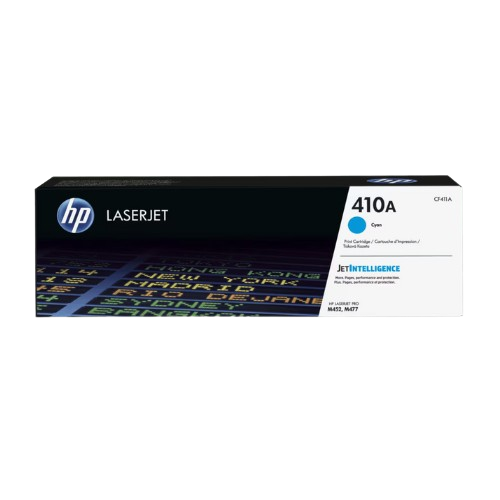
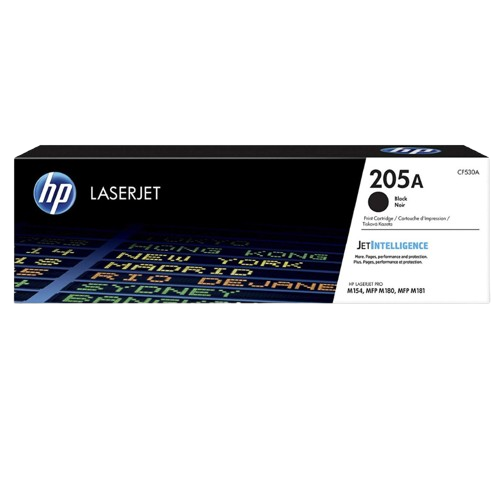
Choosing between OEM, compatible, or remanufactured cartridges impacts both cost and print quality. OEM cartridges provide reliability at a higher cost, compatible cartridges offer savings with potential quality variability, and remanufactured cartridges are eco-friendly but vary in quality. Real-world usage scenarios indicate small offices may prioritize cost-efficiency, high-volume printing benefits from OEM reliability, while enterprises should consider a mix to balance reliability and cost.
Products You May Need
Explore products related to this guide